
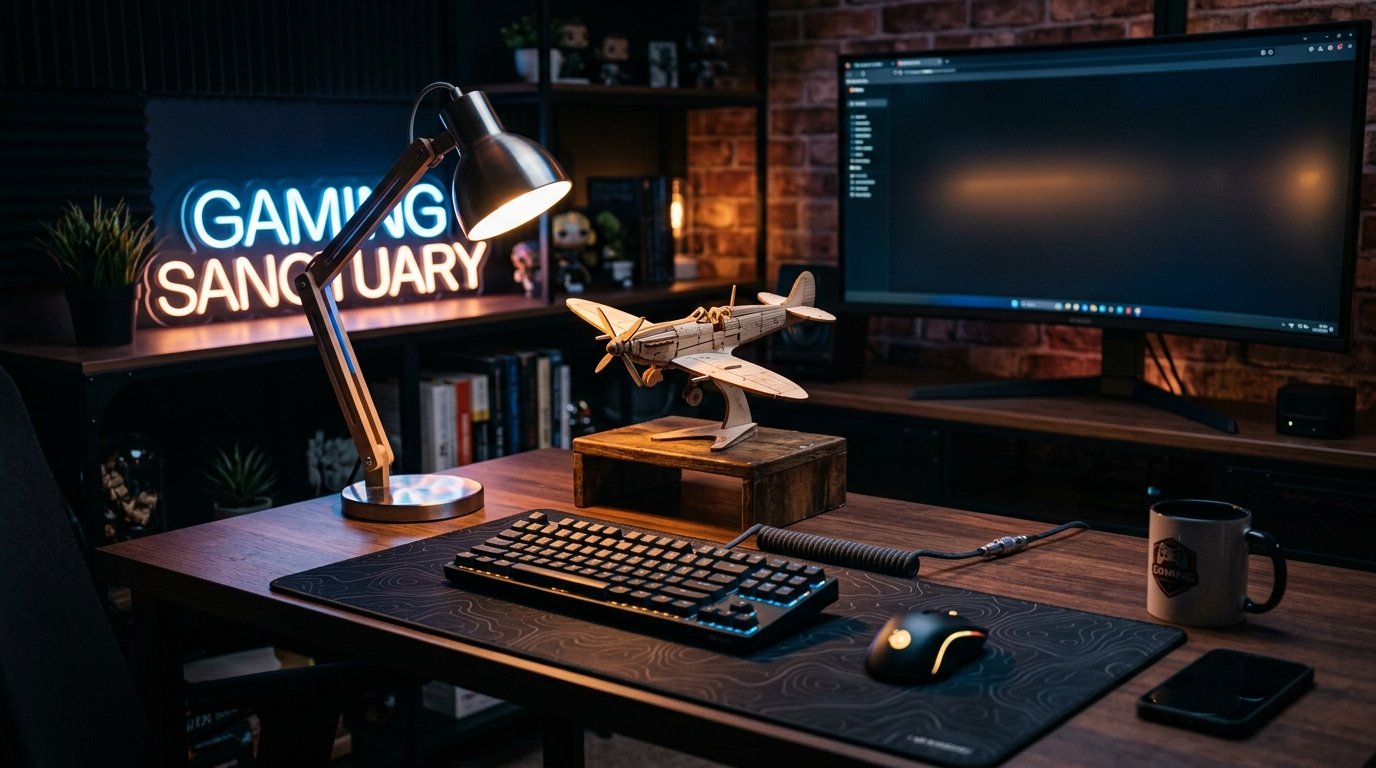
Gaming LED Lamps: Light Bars, RGB & Strips for Your Setup
Showing the single result
-

Gaming LED ambiance pack
Price range: £142.90 through £165.90 🛒 This product has multiple variants. The options may be chosen on the product page
Gaming lamp: the right lighting transforms your gaming comfort
A session in front of a lit screen in a dark room tires the eyes far faster than most people realize: the contrast between screen luminance (often 200-300 cd/m²) and the surrounding darkness forces the pupil into constant readjustment. This is known as simultaneous contrast, a phenomenon documented since the 1990s in studies on visual fatigue at computer workstations. A gaming lamp corrects this imbalance by lighting the back or sides of the setup, without casting a direct reflection on the screen.
This isn’t just a cosmetic accessory. A light bar placed behind the screen, set between 4000 and 5000K, reduces the perceived luminance gap and delays the onset of eye strain by several hours during long sessions. RGB lighting serves a different purpose: creating a visible ambiance on webcam for streaming, or syncing with peripherals.
RGB compatibility: Razer Chroma, Corsair iCUE, Philips Hue
RGB ecosystems aren’t interchangeable. Razer Chroma Connect mainly manages Razer devices and a handful of third-party partners via an open API available since 2017. Corsair iCUE covers a broader catalog of compatible brands, with per-game profile syncing. Philips Hue, outside of gaming, runs on Zigbee through a dedicated bridge and requires a separate app: syncing with your screen then goes through third-party software like Hue Sync, not natively. Before buying, check which ecosystem already controls your keyboard or mouse: an incompatible lamp will remain an isolated lamp, with no synced effects.
Mounting: screen light bar, desk clamp or wall strip
The right choice depends on available space and the type of lighting you’re after.
- Screen-mounted light bar: clips onto the top of the monitor, lighting the desk downward without reflecting on the screen (unlike a classic desk lamp); ideal for a compact setup
- Clamp lamp: attaches to the edge of the desk, freeing up floor space, but casts a more localized light
- Wall or behind-screen LED strip: creates a diffuse ambient glow, useful for bias lighting when streaming, but doesn’t provide direct task lighting
Color temperature and circadian rhythm
A 6500K light (cool, bluish white) in the evening delays melatonin secretion, a mechanism documented by studies on blue light and sleep since Charles Czeisler’s research at Harvard in the 2000s. In practical terms: a late-night gaming session under a fixed cool-white lamp can push back sleep onset by 30 to 60 minutes. Conversely, overly warm light (2700K) during the day reduces alertness. A model with adjustable temperature between 2700K and 6500K lets you match the lighting to the time of day rather than being stuck with a single fixed setting.
Materials and heat dissipation
An aluminum housing dissipates heat from high-power LEDs better than an ABS plastic one, extending diode lifespan on models used several hours a day. On lower-end LED strips, the lack of a heat sink causes a noticeable drop in brightness after 12 to 18 months of intensive use.
Common mistake: overlooking adjustable brightness
A model without a dimmer forces a choice between “too bright” and “off.” Look for stepped or continuous control, via app or physical dial: nighttime rarely needs more than 20-30% of maximum intensity, while daytime can go up to 100%. A lamp locked to a single brightness level, in most cases, ends up switched on reluctantly or unplugged within a few weeks.
Frequently Asked Questions
Which gaming lamp should I choose for a small desk?
A light bar clipped onto the screen remains the most space-efficient solution: it takes up no desk surface and lights downward without reflecting on the display.
Should I go for an RGB lamp or neutral white light?
For extended competitive gaming, a neutral white between 4000 and 5000K does a better job limiting eye strain. RGB is preferable if the goal is a visible ambiance for streaming.
Does a gaming lamp use a lot of electricity?
LED models typically run between 5 and 15W, versus 40 to 60W for an equivalent halogen bulb: the extra annual cost stays under a few dollars even with several hours of daily use.
Can I sync the lamp with my other gaming peripherals?
It depends on the manufacturer’s ecosystem: Razer Chroma and Corsair iCUE each cover a specific list of partners, which you can check on the product page of the peripheral you already own before buying.