
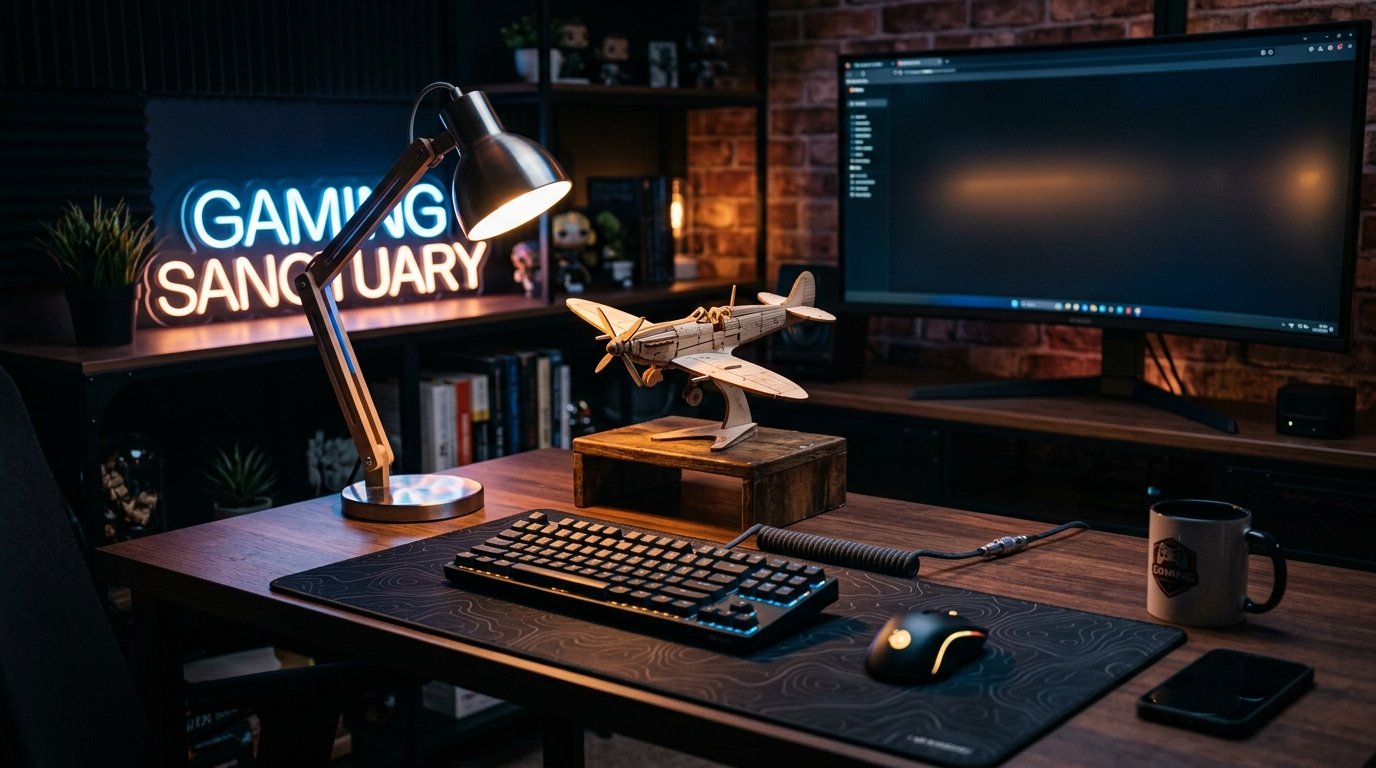
Gaming Setup: Desk, Ergonomic Chair and RGB Lighting
Showing all 17 results
-

Adjustable Ergonomic Gaming Office Chair – r60
-

Compressed air duster blower for PC dust removal
-

Computer and Keyboard Cleaning Kit
-

Ergonomic gaming footrest for desk
-

Ergonomic Wireless Gaming Mouse
-

Gaming Mouse Pad – Hexagon
-

Kawaii design desk trash can
-

Mini Wireless Keyboard with Touchpad
-

Ninja Design Desk Trash Can
-

One-handed gaming keyboard
-

Portable and foldable USB fan
-

Portable USB desk fan
-

Retro gaming console protective case r36s
-

RGB gaming streaming audio mixer
-

USB 3.0 Hub – 4 Ports
-

Wireless Bluetooth Keyboard and Mouse Set
-

Wireless Gaming Headset with Microphone
Build the gaming setup of your dreams: desk, chair and RGB lighting
A gaming setup is judged by how it performs, not how it photographs. A 140 x 70 cm desk leaves room for a mechanical keyboard, a mouse with an XXL mat and a dual-monitor stand without your elbows knocking into each other. A chair set at the wrong height, and your neck is aching after two hours of ranked matches. This selection covers the four areas that make the difference on a long session: desk, chair, RGB lighting and storage. It’s suited both to the competitive player chasing stability and the streamer who needs a polished on-camera background.
Why workstation ergonomics change your in-game performance
Three hours sitting in a chair with no lumbar support is enough to trigger tension in the lower back. The body compensates by leaning toward the screen, which brings your face closer to the display and tires your eyes faster. Conversely, a backrest set at 100-110° with forearms resting flat on the armrests reduces tension in the trapezius muscles and keeps hand reflexes sharper during the final rounds of a tight match. The screen should sit at arm’s length, with the top of the display at eye level: this single adjustment prevents the head tilt that wears down the neck over time.
Gaming desk: what height and surface to choose
A fixed-height desk works fine for classic seated use, around 72-75 cm. An electric height-adjustable model from 60 to 125 cm lets you alternate sitting and standing roughly every 45 minutes, which limits leg numbness on sessions longer than three hours. Check the weight capacity of the tabletop: a setup with two 27-inch monitors, a tower and an articulated arm quickly exceeds 25 kg, and a thin 18 mm MDF top will flex under that load where a 25 mm top stays stable.
Ergonomic chair: the criteria that actually matter
Lumbar support adjustable in height and depth is the criterion that has the biggest impact on long-term comfort, ahead of padding or upholstery material. 4D armrests (height, width, depth, rotation) let you align your wrists with the keyboard, reducing strain on the carpal tunnel during intensive typing sessions. A class-4 gas cylinder generally supports up to 130 kg without losing pressure over time, compared to a class-3 cylinder that sags after a few months of daily use.
- Faux leather: easy to clean, but less breathable on long summer sessions
- Technical fabric: better airflow, but traps more dust
- Mesh (tensioned mesh): the coolest option, though smaller users sometimes find the support too firm
RGB lighting: creating an immersive vibe without straining your eyes in-game
An LED strip placed behind the screen, providing indirect light against the wall, reduces the brightness gap between the display and the room. That contrast gap is precisely what tires the eye during a long night session. Wi-Fi or Bluetooth-compatible models sync with music or on-screen action via a dedicated app, with a palette of 16.8 million colors on most current models. Avoid pointing the LED at the screen itself: the reflection is minor on a matte panel, but on a glossy one it quickly becomes distracting during competitive play.
Storage and cable management for a clean gaming setup
A headset stand keeps a 350 g headset from constantly resting on its headband, which deforms the padding within a few months. A cable tray fixed under the desk keeps the power cord, HDMI and mouse cable out of the typing zone: less strain on the connectors, less risk of kicking a plug loose. A desk organizer with dedicated compartments also cuts down on micro-dropouts caused by a loose USB cable, a common cause of controller disconnects mid-match.
Entry-level, mid-range or premium gaming setup: how to decide
An entry-level setup (fixed desk, chair with adjustable lumbar support, one LED strip) costs between €150 and €300. Budget €400 to €800 for an electric desk, a class-4 gas cylinder chair and synchronized multi-zone lighting. Above €1000, you get full cable management, motorized monitor arms and wall decor elements. The right choice depends less on available budget than on actual use: a streamer spending four hours a day on camera will invest first in camera-visible lighting, while a competitive player will prioritize desk stability and fine-tuned chair adjustment.
FAQ: gaming setup, desk, chair and RGB lighting
What desk height should I choose for a gaming setup?
Set the tabletop to elbow height with your forearms resting flat, generally between 68 and 76 cm when seated. An electric model avoids trial and error and lets you adjust to each person’s build.
Which gas cylinder class should I choose for a gaming chair?
Go for a class-4 gas cylinder, which supports up to 130 kg without losing pressure over time, versus a class-3 cylinder that sags after a few months of intensive daily use.
Where should LED strips be placed to avoid screen glare?
Mount them behind the panel, facing the wall, never toward you. Indirect lighting reduces the contrast with the room without creating distracting glare on a matte or glossy panel.
Should I get an electric desk or a fixed model?
An electric model is worth it beyond three hours of daily sitting: alternating sit-stand every 45 minutes limits the leg numbness that a fixed desk can’t solve.
Faux leather, fabric or mesh: which material for a gaming chair?
Mesh breathes best on long sessions and in summer, technical fabric offers a comfort-maintenance balance, and faux leather is easy to clean but heats up more over several hours in a row.